

Crystal Reports font formula encoder for Code 128
Generate Code 128 and GS1-128 barcodes in Crystal Reports with formulas that live inside the report file.
Why use font formulas
IDAutomation suggests this method when distributing Crystal Reports.
- Encoder embedded in the .rpt file, with no external dependencies beyond the font
- Compatible with Crystal Reports 9 and up
- Complete source code included and royalty-free
- Supports Code 128, GS1-128, Code 39, DataBar, Interleaved 2 of 5, UPC, EAN, Data Matrix, QR Code, PDF417 and more
- Available with a Developer License or higher
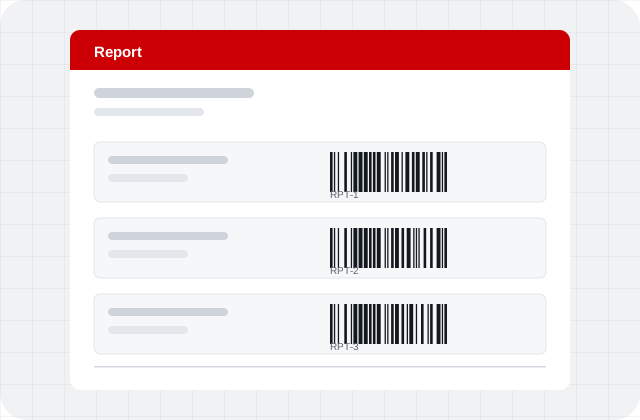
Six steps to a barcode in your report
Summarized from IDAutomation’s Crystal Reports font encoder formulas tutorial (opens in a new tab).
- Install the fontInstall the barcode font package first so the barcode appears in the report designer.
- Open the exampleOpen the Crystal Reports Formulas example report and switch to design view.
- Copy the formulaCopy the desired formula field. Copy the companion text field too if you want a human-readable line below the barcode.
- Paste into your reportPaste the objects into the destination report in design view. If the report has multiple barcodes, rename each formula descriptively.
- Set the dataSet the DataToEncode line to your data. If Crystal reports that a string is required, convert the value with a function such as cStr.
- Size and testRun the report, size the object to fit the full barcode, and test a printed page with a scanner.
Frequently asked questions
What are the Crystal Reports font encoder formulas?
They are formulas that generate barcodes in Crystal Reports using barcode fonts. The encoder is stored as a formula inside the .rpt file, so it stays with the report when you distribute it.
Which versions of Crystal Reports are supported?
Crystal Reports 9 and later.
Do I need to install a UFL or DLL?
No. The formulas need no UFLs or DLLs, with the exception of USPS Intelligent Mail, which needs its associated UFL. The only other requirement is the barcode font.
Which license includes the formulas?
The formulas are available with a Developer License or higher for the applicable font or encoder packages, and include complete source code.
Why is my barcode cut off?
If the barcode is wider than its object, it is truncated and will not scan. Resize the object to fit the whole symbol.
Barcodes in your reports
Order the font with a Developer License to use the Crystal Reports formulas.