

Code 128 Universal Barcode Font
Create Code 128 barcodes across multiple platforms. An easy way to generate Code 128 and GS1-128 barcodes from a universal font that works across operating systems, devices, locales and countries.
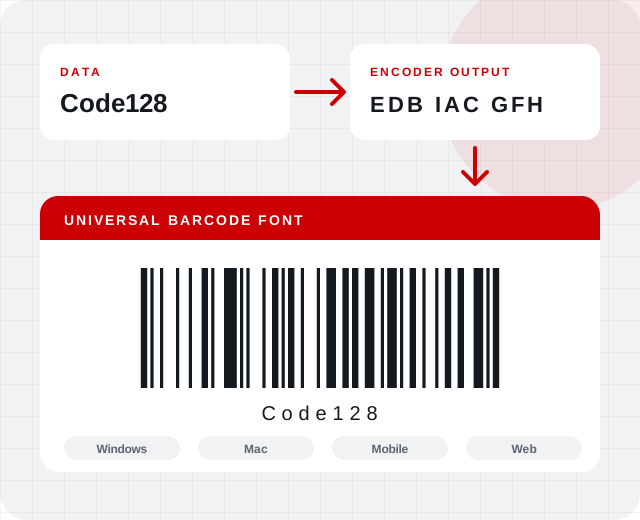
Universal Code 128 Barcode
The font uses only uppercase letters A through P (16 ASCII characters) as its special formatting, so it works in any country, locale or code page, including double-byte Asian versions of Windows.
- Competing fonts rely on extended ASCII characters, which vary by region and code page
- The barcode is produced by applying the font to specially formatted data
- Free royalty-free encoders (opens in a new tab), macros, plug-ins and source code are provided to do that formatting
- See the ASCII (opens in a new tab) reference for the basic character set
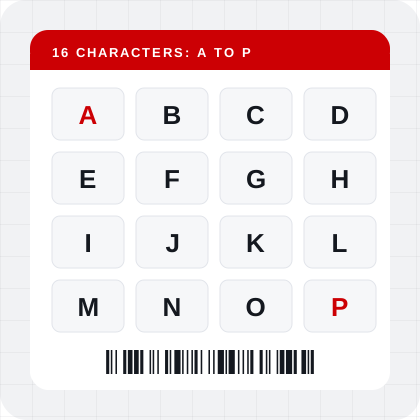
Works wherever your data goes
Because the special formatting is limited to the letters A through P, the same encoded text produces the same barcode on Windows, Mac and mobile devices, and on the web with Web Fonts.
- Examples for Microsoft Word, Excel, Access, FileMaker and Crystal Reports
- Windows and Mac versions of the demo
- Royalty-free encoders for common applications
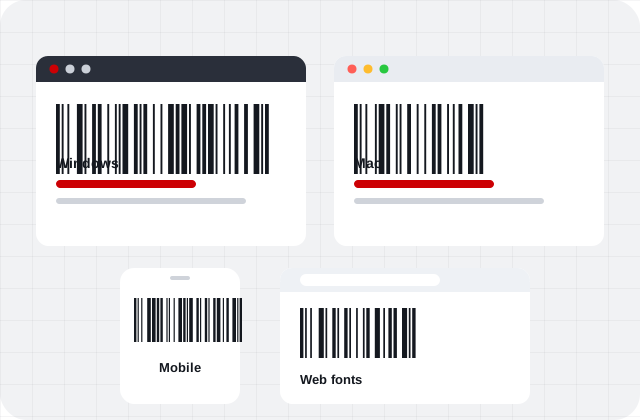
Everything in one font
Cross Platform Compatible
Works with any locale, country or code page on all operating systems.
Integration Examples Included
The download includes examples for Microsoft Word, Excel, Access, FileMaker and Crystal Reports.
Font Types Included
OpenType, TrueType, PostScript and PCL versions. Web Fonts (opens in a new tab) are included with a Developer License or higher.
Multiple Code 128 Barcode Types
Code-128, GS1-128, SCC18, USPS, SISAC, IMpb (opens in a new tab), IPA (opens in a new tab), ISAL (opens in a new tab), Canada Post and other Code 128-based specifications.
Free encoders for popular applications
Pair the Universal Font with an encoder to format your data. See all encoders.
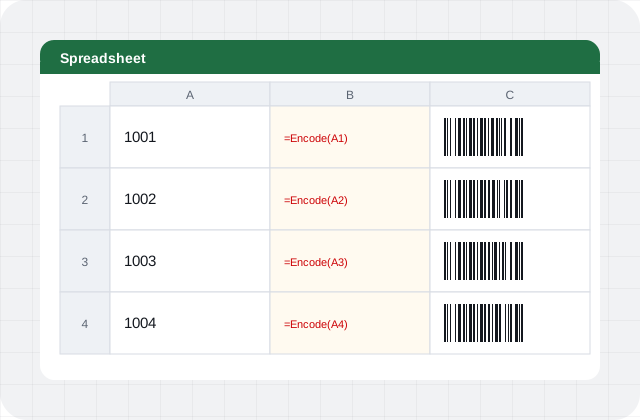 Excel Encoder
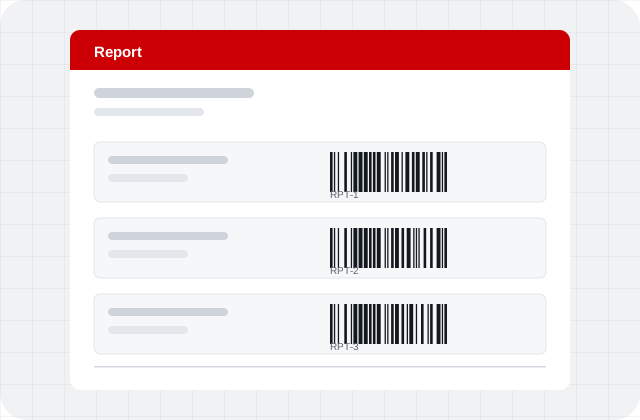 Crystal Reports Formula Encoder
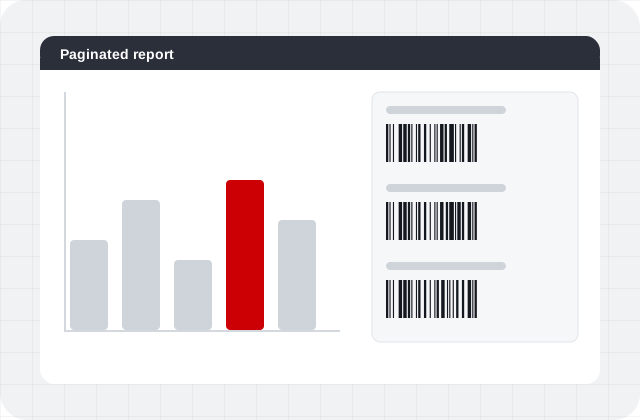 Power BI Encoder
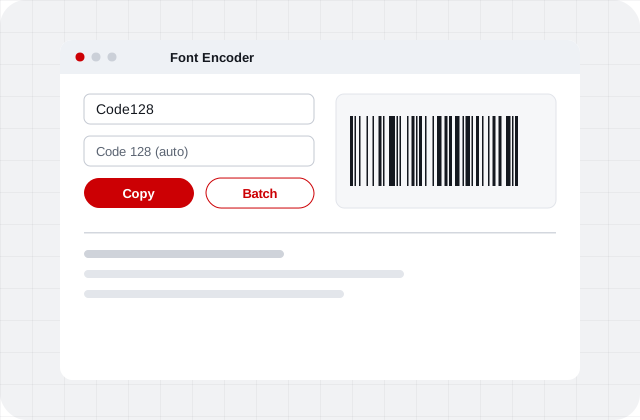 Font Encoder App
Create Code 128 barcodes on any platform
Download the demo for Windows or Mac, or order the full product with instant download.